
- PirateDiffusion
- Guides
Guides
Tutorials for the Telegram bot, from the first prompt to the advanced tools.
Start with these
 Quick start
Install Telegram, talk to the bot, connect a cloud GPU and make your first picture in a minute.
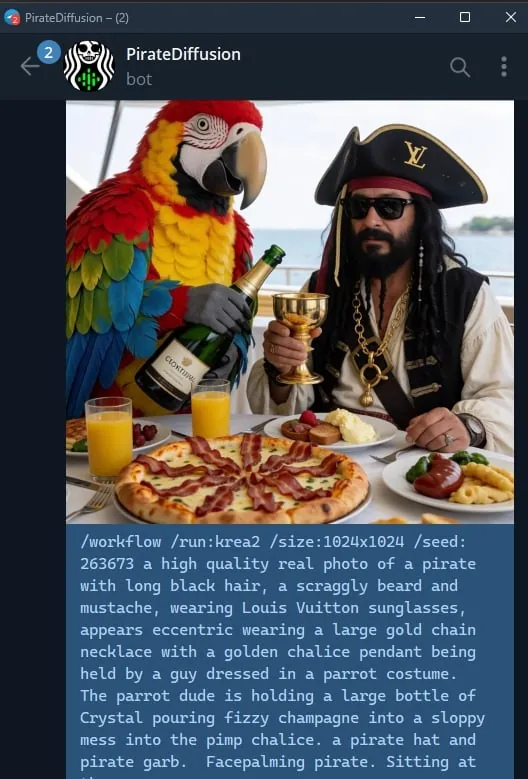 Prompting
Prompt craft, not commands: ShortCodes, weights, LoRAs, workflows and live render examples on a lesson page.
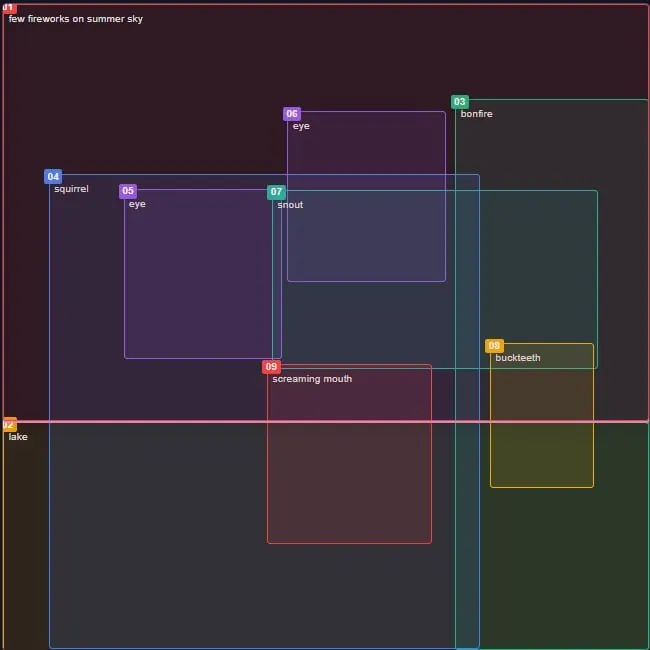 Commands
Slash commands only: /render, /brew, /upscale, faces, canvas, files and account tools on one cheat sheet.
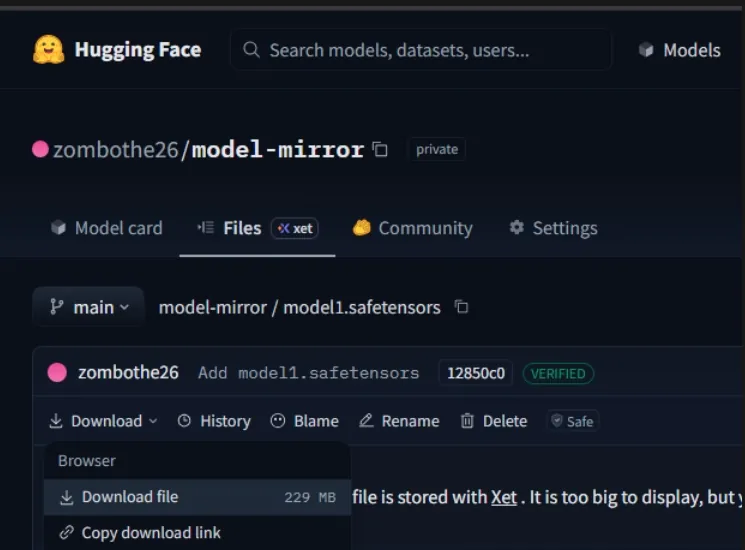 Import
Upload the weights to Hugging Face, copy the download link, and register the model with /concept /edit.
 Manual
One long reference page: activation, skills, prompts, parameters, models, editing and file management (not the tutorial list below).
All guides, newest first
 Tutorial
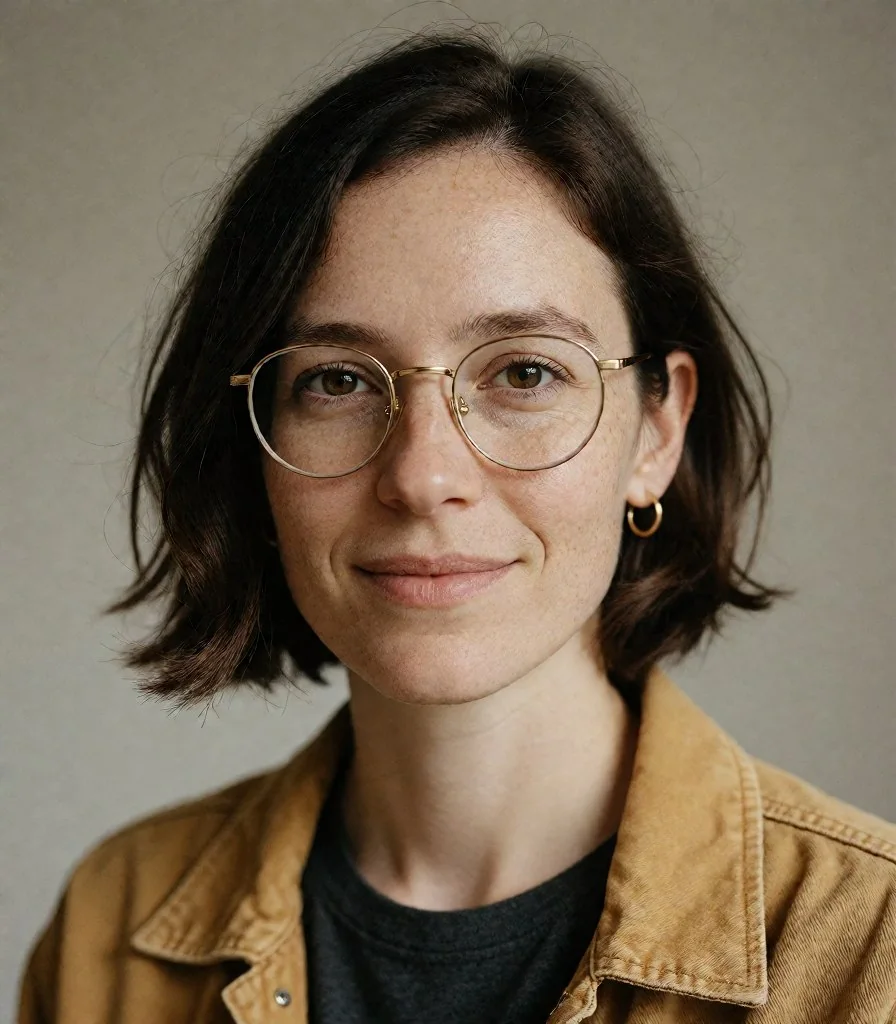
Make a character once, save the picture as a nickname, put the same person in new scenes with Omni, then animate a still with animate-h3 or animate-ltx25. Real renders, clips and every command.
 Tutorial
A Skill is a focused, simple app (or Telegram/Discord command) that does one thing well. No complicated menus or advanced settings. Just describe what you…
 Tutorial
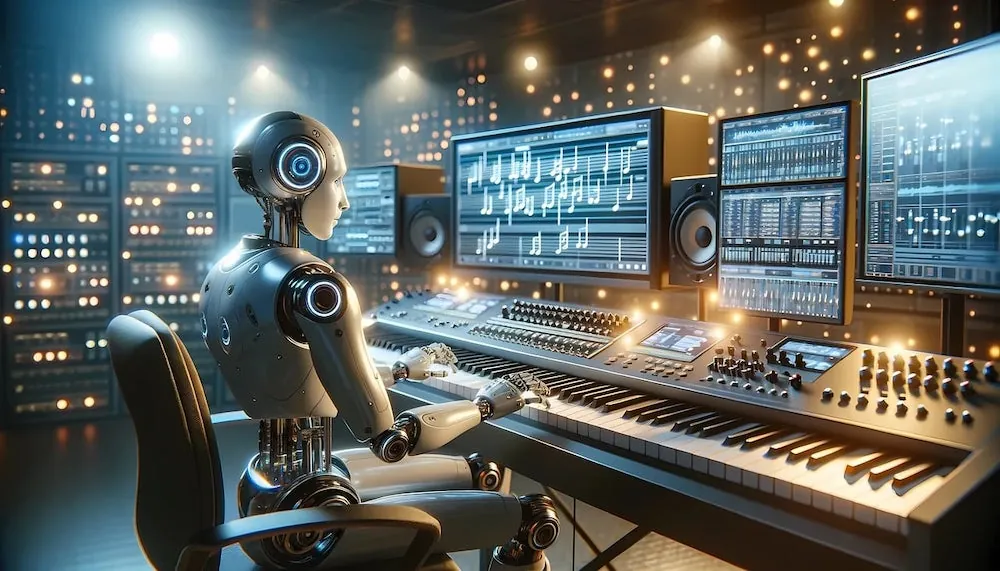
There are various AI music models in our system, such as Ace Step XL and Heart Mula.
 Tutorial
Use cases: fabric design, game design, game textures, package design, gift wrap
 Tutorial
PollyGPT V3 is here – head over to the detailed guide for examples
 Tutorial
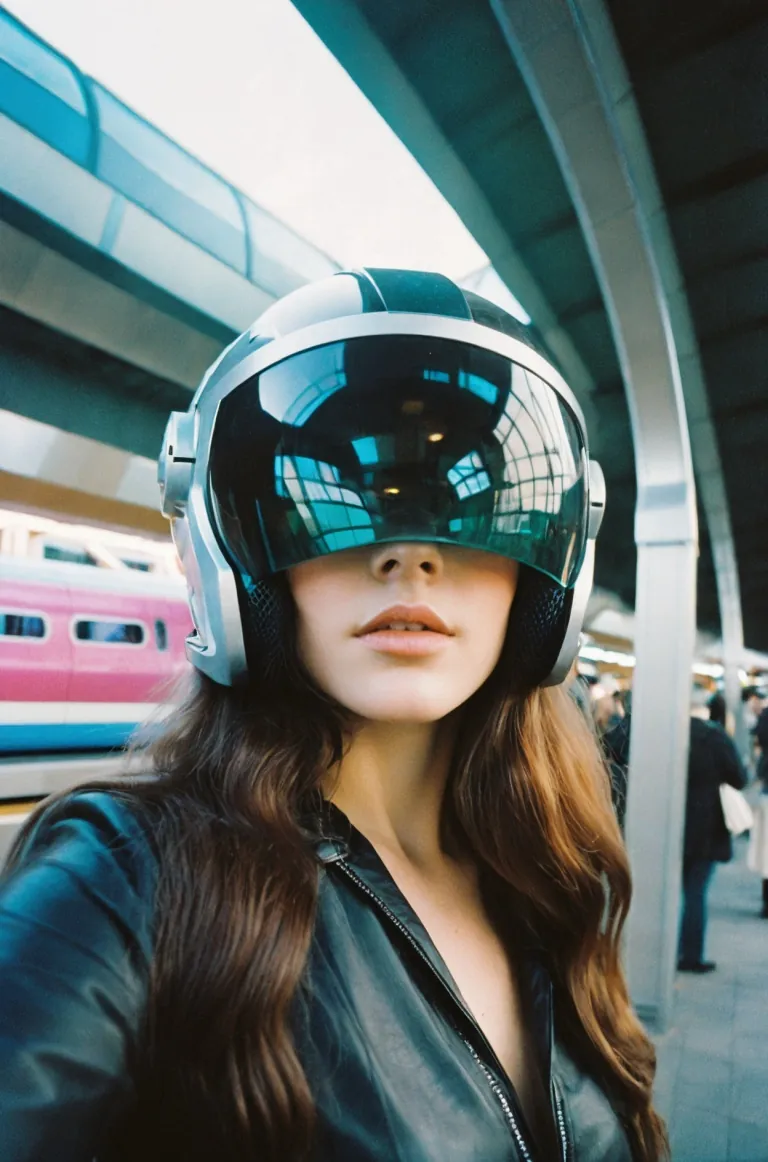
The BOTS command allows you to train custom characters to use on the web, within PirateDiffusion and within channels or private 1-to-1 chats within your…
 Tutorial
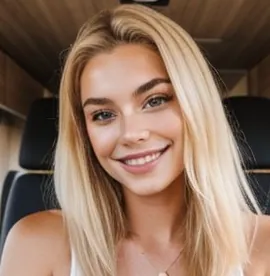
Our software offers a variety of ways to bump the quality beyond Stable Diffusion’s default 512×512, like Adetailer, HighDef, and Facelift Upscaler 2X and…
 Tutorial
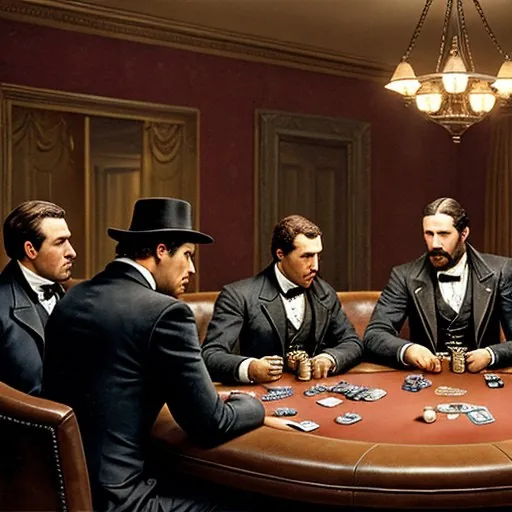
Stable Diffusion “After Detailer” , also commonly known as Adetailer, is an automatic touch-up tool, and is similar to Facelift . As the name implies, the…
 Tutorial
When using Stable Diffusion via PirateDiffusion.com, you can get a quick look at your recent actions with the history command:
 Tutorial
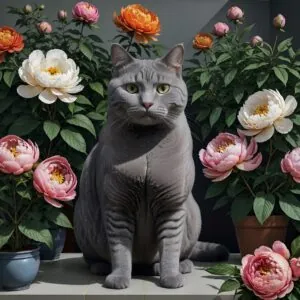
The original 60-second quick start for the SDXL models of 2024: two cat prompts with /render and #sdxlreal, positive and negative brackets, upscaling the drafts, and a glossary of prompt terms.
TutorialYou can also use the /size command, but it may not work the way you expect:
TutorialYou can create an unlimited number of characters for fun, social media, games, visual novels, in any art style.
 Tutorial
“Changing a character’s facial expression is quite easy to do!” -Shrek
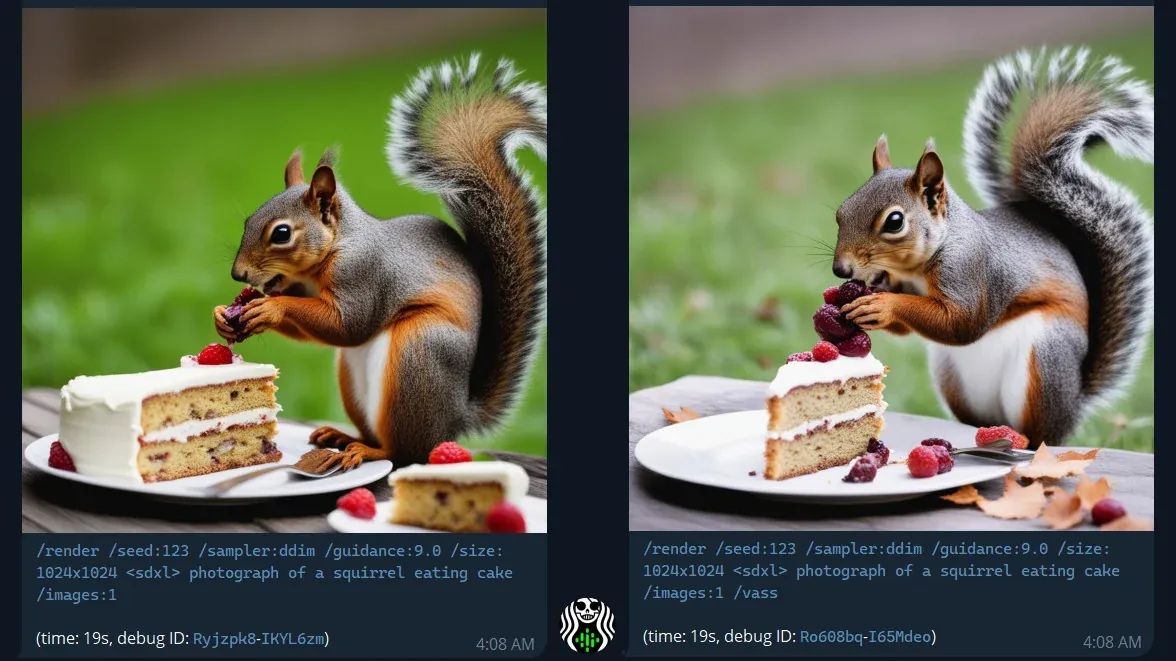
TutorialVASS is an alternative color and composition for SDXL. To use it, add the the /vass parameter to your SDXL render.
TutorialVAE is a file that is often included alongside Checkpoints (full models) that impacts the color and noise cleanup, to put it simply. You have have seen…
 Tutorial
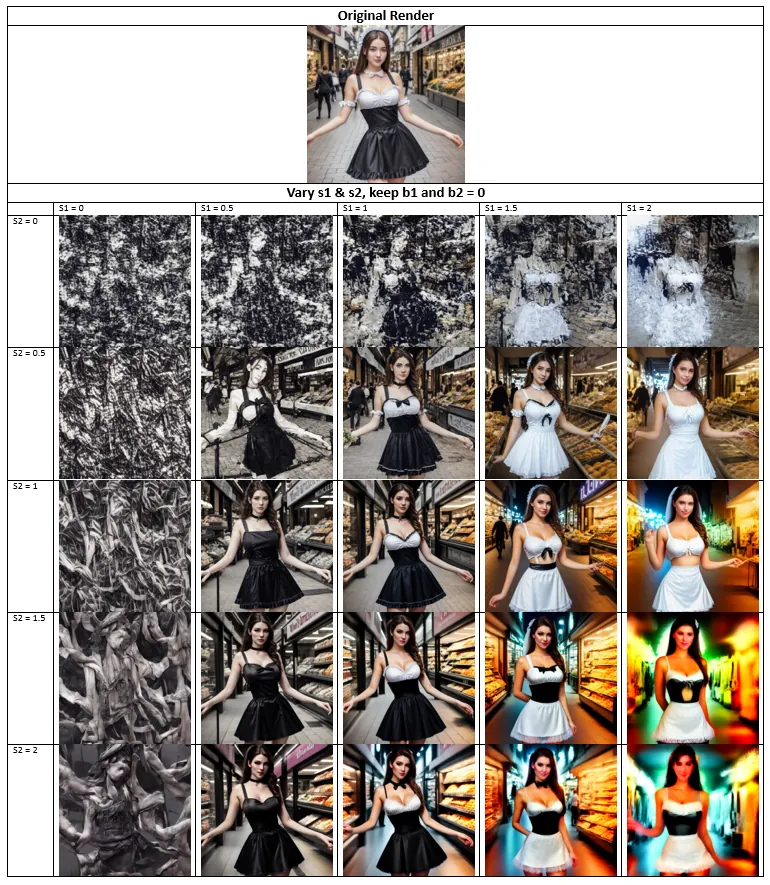
For the discerning AI images creators that want more control, we are happy to bring you FreeU, Vass HDR color and composition correction, and a large…
 Tutorial
FreeU is a simple and elegant method that enhances render quality without additional training or finetuning by changing the factors in the U-Net…
 Tutorial
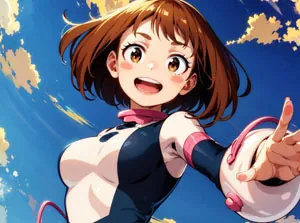
Ah yes, the mysterious Arafed . You might see this in prompt outputs or when using our /describe command
 Tutorial
While our interface is currently only in English, our software now understands prompts in over 50 languages. For PRO and PLUS users, you can now prompt in…
 Tutorial
It’s easier than you think. Let’s make this golf cart logo.
TutorialThere’s three basic strategies to get your characters to pose the way you want. We’ll quickly review these tactics in this intermediate lesson.
TutorialWelcome back to Stable Diffusion basics. In this lesson, we will revisit the girl from the river in Lesson 2, and boost the quality further with…
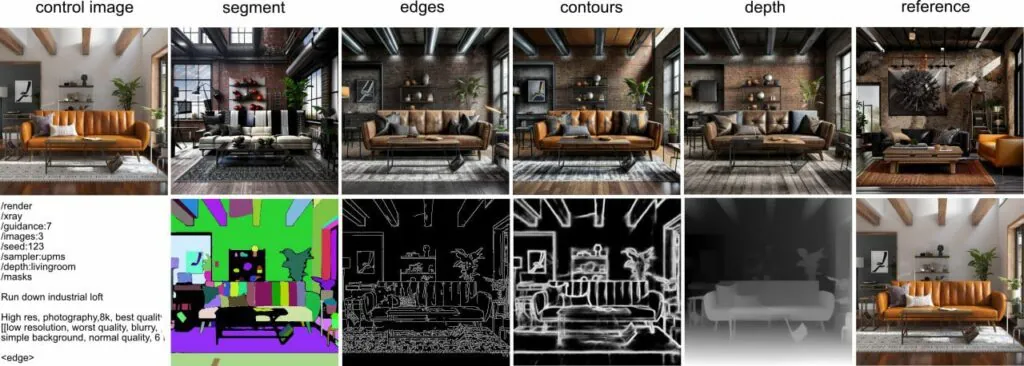 Tutorial
First provide a base image. You can upload an image or render an original one, like this:
 Tutorial
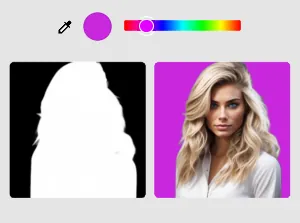
Want to remove the background of an image when working in Stable Diffusion? You can use our tools for that. Our software can easily remove background of…
TutorialOn August 22, 2022, PirateDiffusion launched as Tlack305’s hobby project. Today it’s used by thousands of people everyday in over 30 countries. There’s so…
 Tutorial
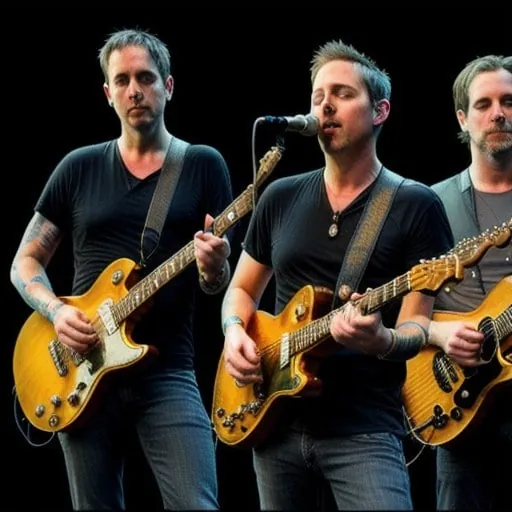
Textual Inversions are small AI models. These “TIs” can strongly change the results from a base model, giving you a better visual output. Think of a TI as…
 Tutorial
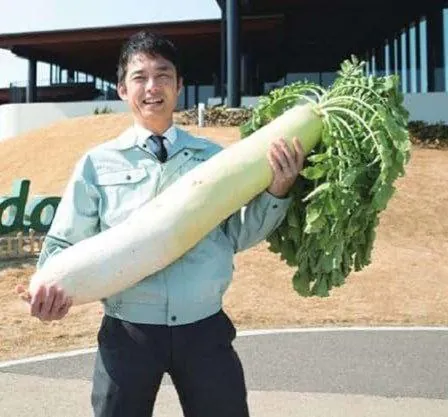
You can create an unlimited number of AI images of your face for social media, or AI avatars for your friends with the AI FaceSwap and AI Facepush…
TutorialNote: at the time of this guide, this only works on our Telegram Bot
 Tutorial
Updated June 11th with clearer examples, exercises, and a mini quiz
 Tutorial
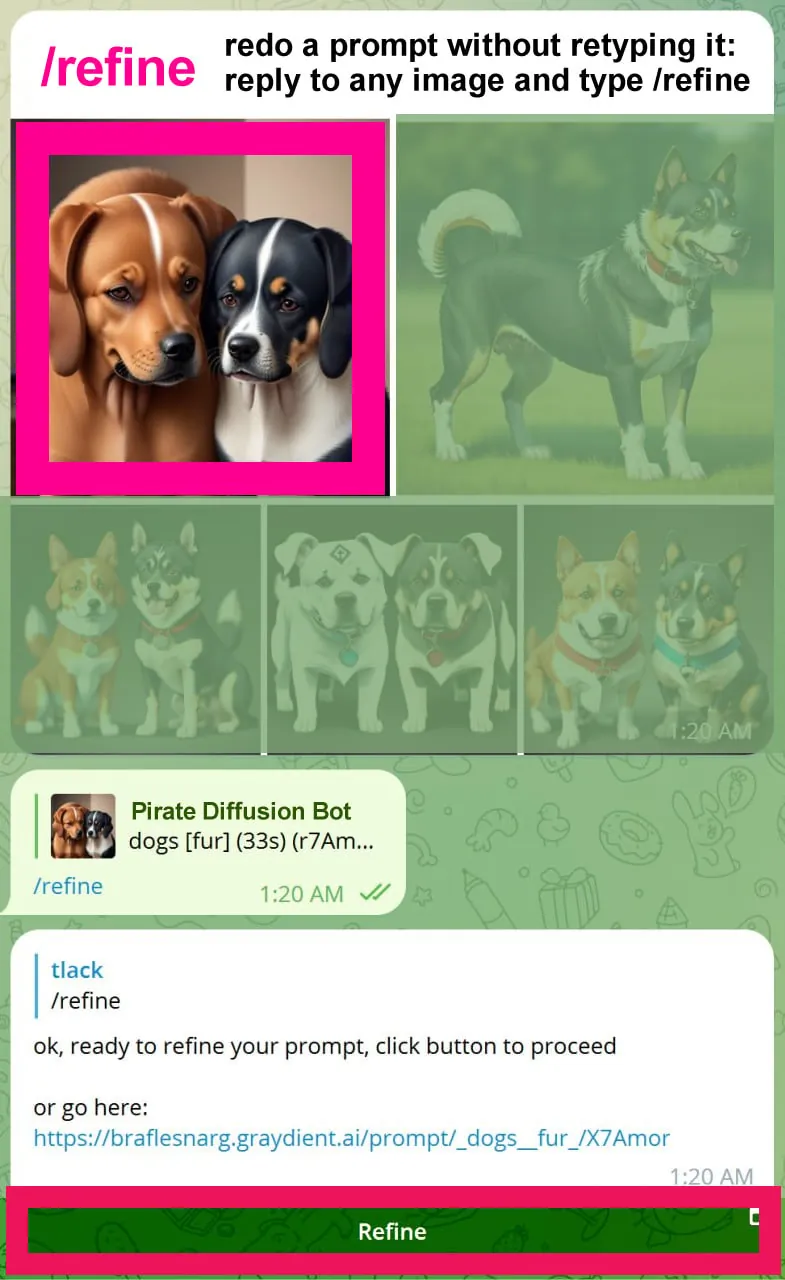
Refine is a Telegram Bot command that lets you quickly re-prompt a rendered image. Use the refine command to make a quick change without having to use…
 Tutorial
Updated: requires /parser:new temporarily as we have a new text parser for handling weights. This syntax is temporary while we debug the new weights system
 Tutorial
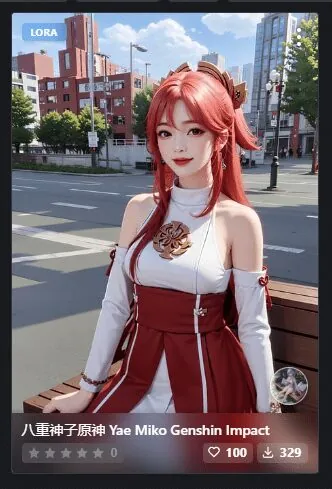
Pictured: You can use our concepts browser to figure how to Trigger LoRAs right
 Tutorial
Recipes are time-saving prompt templates. Instead of typing the same things over and over in your prompt, you can put all of the reusable parts into a…
 Tutorial
Master guidance and concepts first, or LoRAs will be difficult to control.
TutorialMade a typo and sent it into the queue? Cancel that sucker like this:
 Tutorial
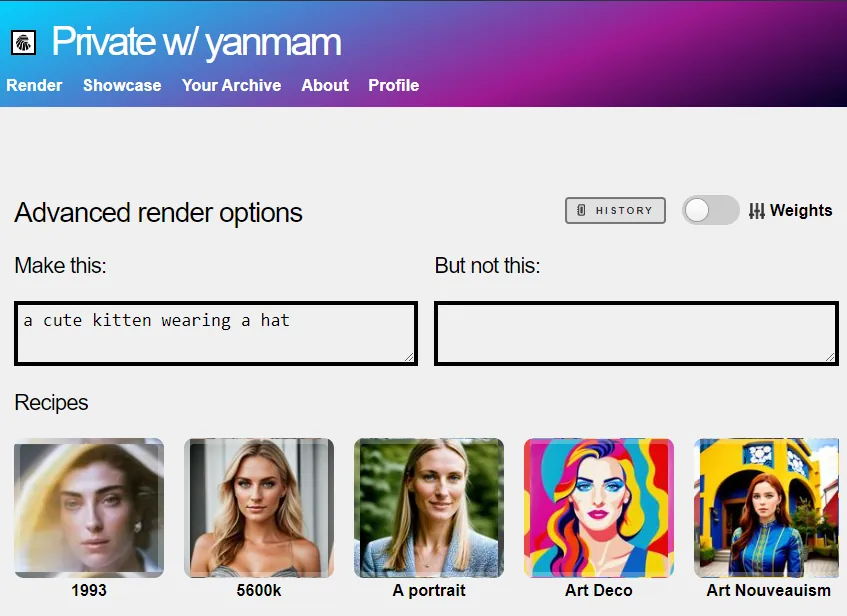
To see a longer list of your history, click on Your Archive on the top of the page, and you can search your entire prompt history there and sort by image…
 Tutorial
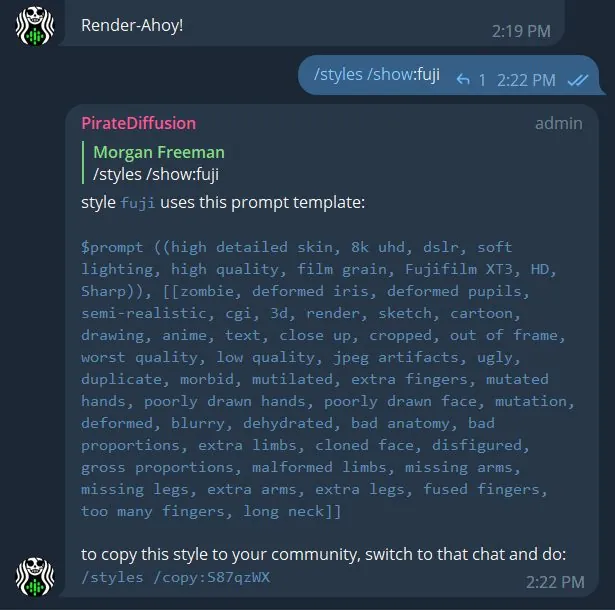
Our software can be used in both groups and privately, so we are challenged how time savers like prompt templates could serve both. Our first solution was…
 Tutorial
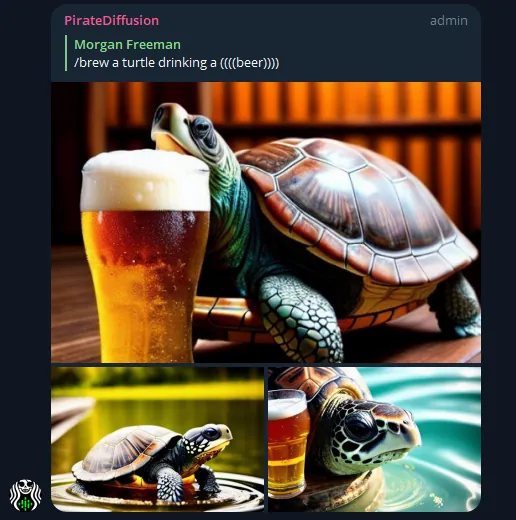
The most effective way to make the AI do what you want is to put the important words at the beginning of the prompt. This cannot be overstated. This wins…
 Tutorial
(Updated 3/25 – Flux Inpainting is now available, use Flux Inpainting for the highest quality results)
 Tutorial
It may be tricky to go straight into this if you’re not already versed with creating images, as well as uploading and remixing them, so please check those…
 Tutorial
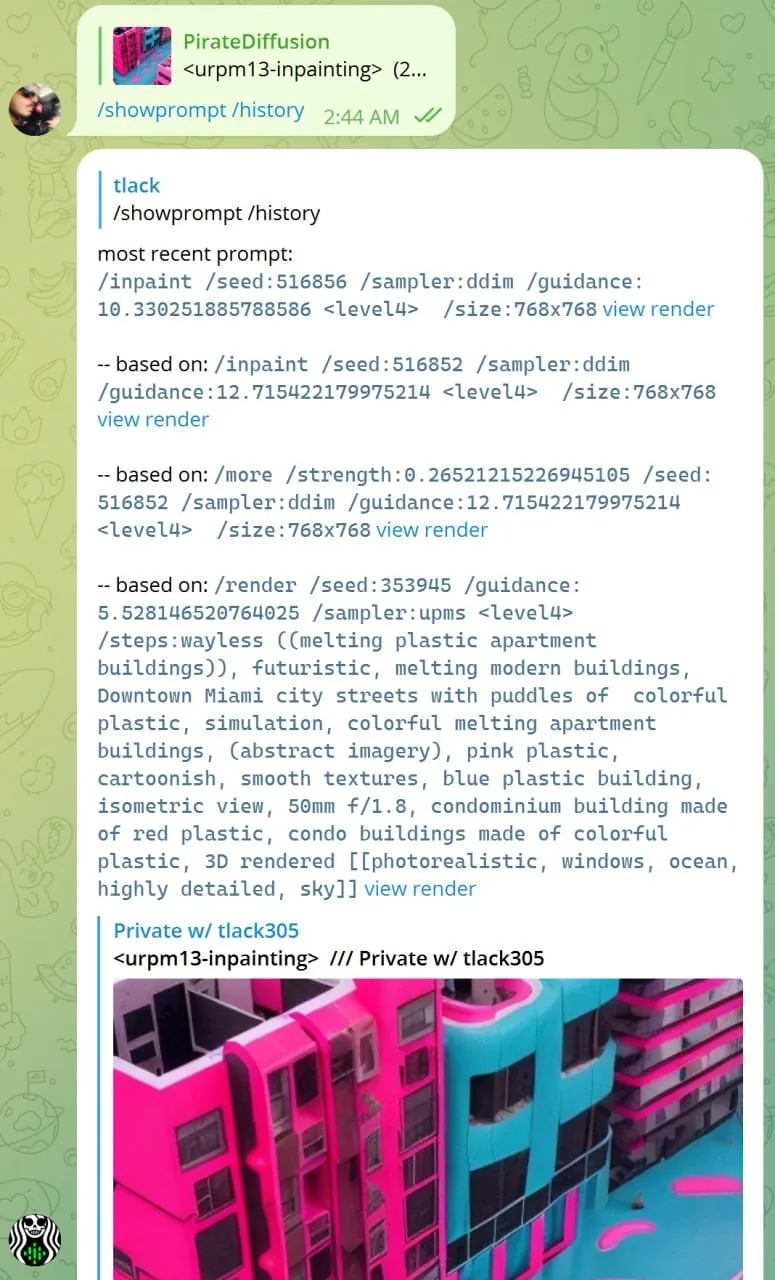
As you surely know by now, AI images created with prompts, the words and commands that guide the diffusion process to create an image. The /showprompt…
 Tutorial
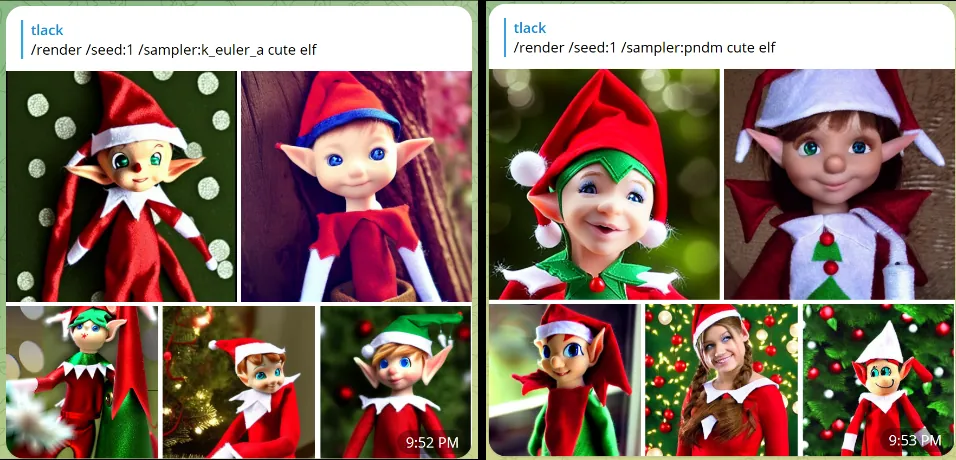
Note: We’ve moved Samplers FAQ to its own page
TutorialIf you’re using Stable Diffusion via Telegram , these are the chat parameters for PirateDiffusion
TutorialThis one is a bit elusive so we thought we’d share some techniques. You can browse hundreds of thousands of prompts and images on our groups.
TutorialThis feature has been deprecated – please see Aspect Ratio and Steps
 Tutorial
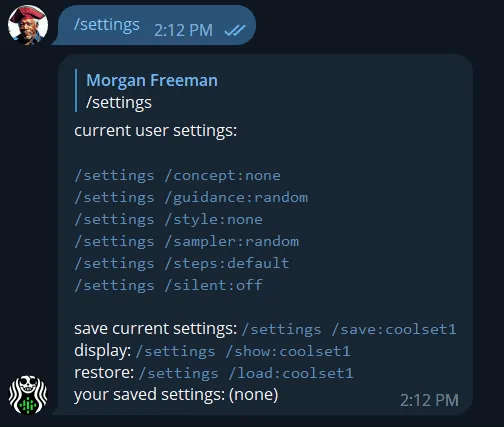
For advanced users, you can save your go-to render preferences with global settings. These time-saving settings can make a number of things happen by…
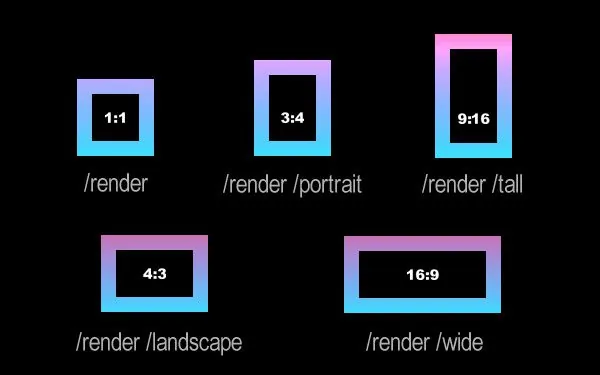 Tutorial
Size works differently in Stable Diffusion over, say, Photoshop. In a traditional software editing program, you go straight into a 4k canvas to produce a…
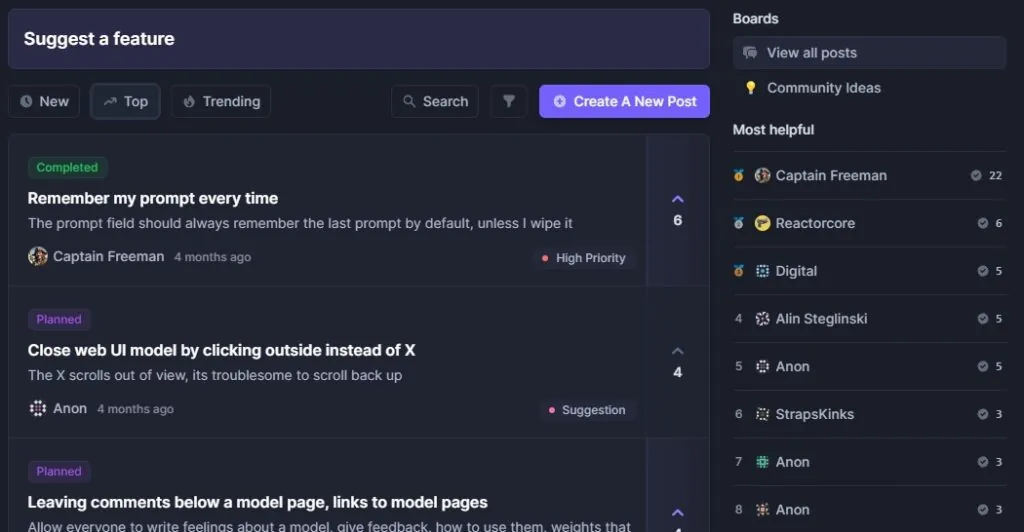 Tutorial
Do you wish our product could do something it doesn’t do yet? We want to know and we’ll probably do it for you, too. We’re building the product live, in…
TutorialNew to writing AI prompts? Check our blog for articles on how to create prompts and navigate the most common problems.
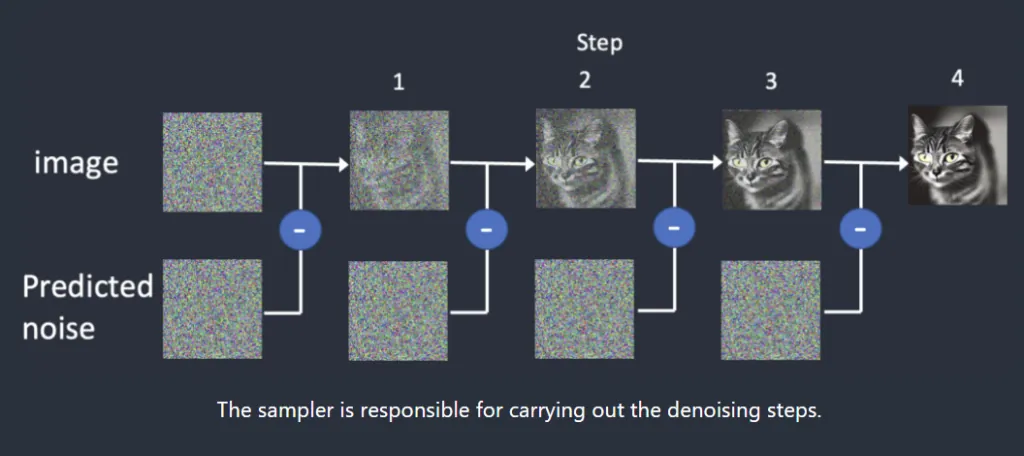 Tutorial
If you’re a casual user who just wants to create images easily and change the art styles, you can safely skip the samplers lesson. But if you’re a Stable…
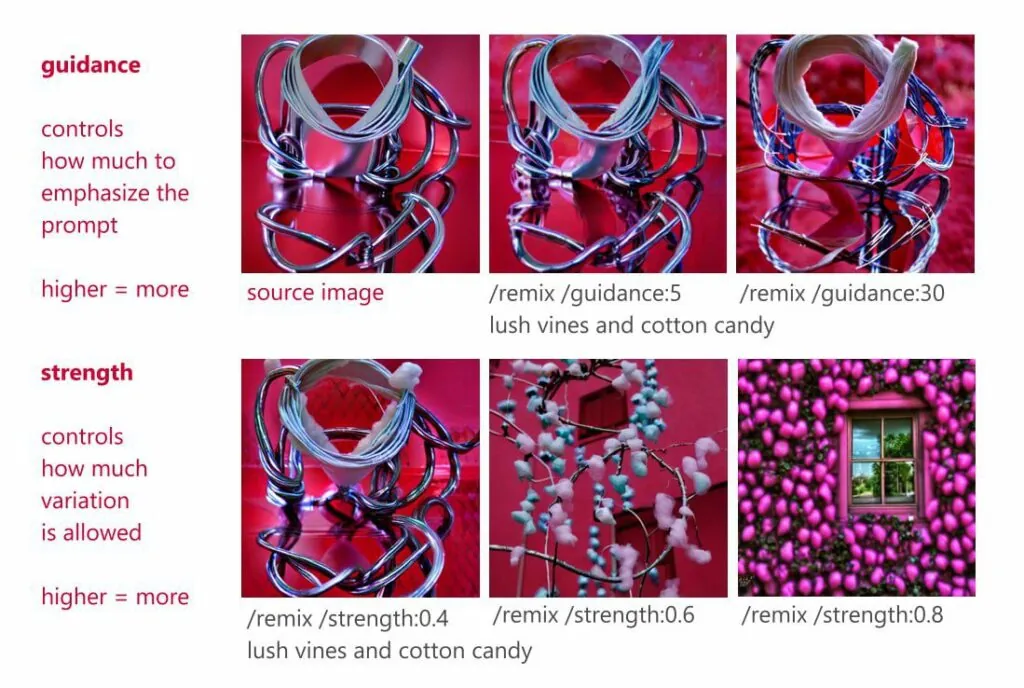 Tutorial
By default, the system uses a random guidance value from 8 – 20.
TutorialFor 99.9% of people, what you are looking for is the models in the concepts system.
TutorialWe will continue to support styles forever, but recipes are more powerful and easier to control, and they work in every Telegram Channel, and in your…
 Tutorial
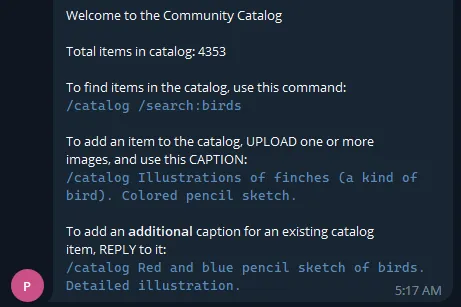
Note: These commands are for a special Telegram channel
 Tutorial
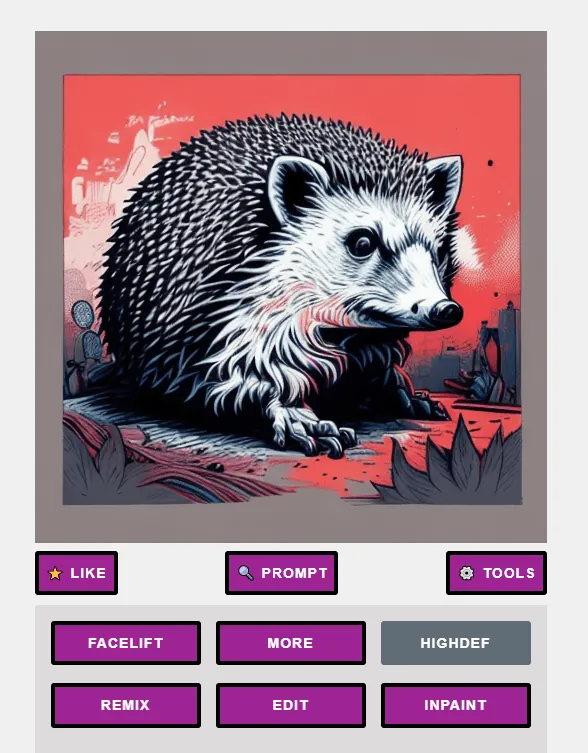
Our software offers a variety of ways to bump the quality beyond Stable Diffusion’s default 512×512, like HighDef and Facelift, as well as the…
 Tutorial
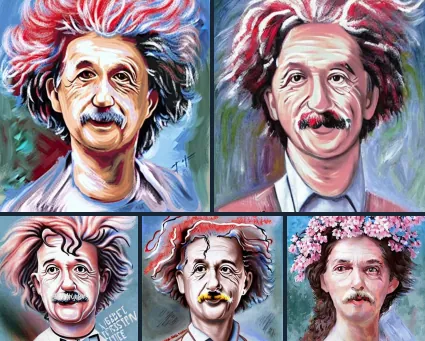
Img2Img - Remix your photos with AI, a Web-hosted Stable Diffusion tutorial
 Tutorial
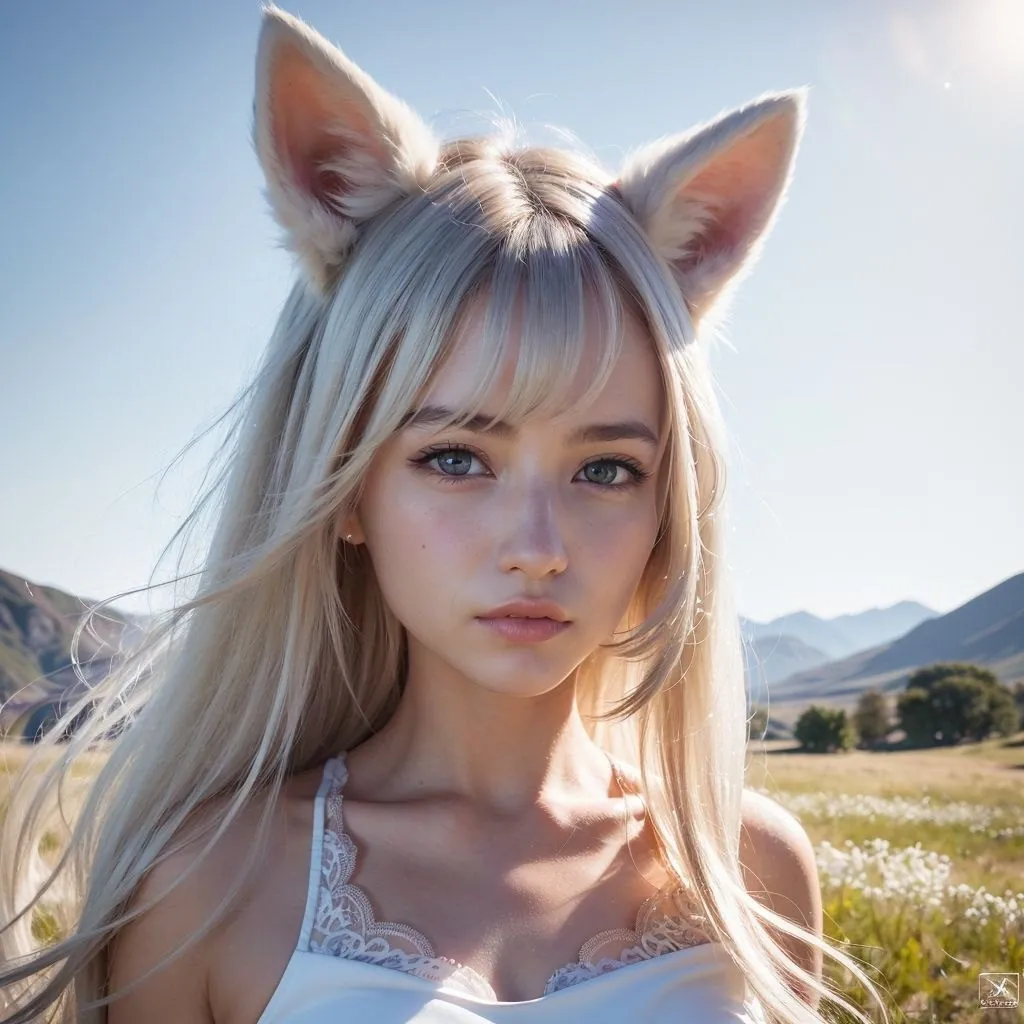
For generative image use cases, we now support Textual Inversions. TIs are the fastest way to arrive at high-quality images without typing a very long…
TutorialControlNet , as the name implies, is a popular method of controlling the overall pose and composition of Stable Diffusion images. It is most frequently…